AI Security Cameras: Telling People and Vehicles Apart from Deer and Bears
Gurinder Khabnra • October 24, 2026
AI Security Cameras: Telling People and Vehicles Apart from Deer and Bears
If you live in Western Montana and have outdoor security cameras, you've probably experienced this: your phone buzzes with a motion alert, you check the camera, and it's a deer. Again. Or a moose wandering through the yard, a fox, a neighbor's dog, or branches swaying in the wind. After enough false alarms, many people start ignoring their alerts altogether, which defeats the purpose of having cameras.
Modern AI-powered cameras offer a better way.
How traditional motion detection works
Older cameras rely on basic motion detection. They notice changes in the image, such as pixels shifting, and send an alert. The problem is that they can't tell the difference between a person and a tree branch. Anything that moves can trigger an alert, including shadows, headlights, rain, snow, and animals.
How AI detection works
AI-powered cameras use software that has been trained to recognize specific objects. Instead of simply noticing movement, the camera analyzes what's moving. It can identify whether it's a person, a vehicle, an animal, or a package. Some systems can also recognize faces or read license plates, though those features may need specialized cameras and careful setup.
This analysis can happen on the camera itself, on a recorder, or in the cloud, depending on the system. Local processing has the advantage of working even when the internet is down and keeping video in your home.
Why it matters
The biggest benefit is fewer false alarms. You can choose to be notified only when a person or vehicle is detected, ignoring animals and swaying trees. That means the alerts you get are more likely to be worth your attention.
AI detection also makes it easier to find footage. Instead of scrolling through hours of video, you can search for events involving people or vehicles within a certain time frame.
Customizing alerts
Most AI cameras let you customize detection further. You can draw zones on the image, such as the driveway or front porch, and only get alerts for activity in those areas. You can ignore activity on a busy road or a neighbor's property. You can also set schedules, so you're alerted to people near the house at night but not during the day when family members are coming and going.
Some homeowners actually enjoy wildlife alerts. If you want to know when an elk herd crosses your back pasture, you can turn on animal detection for that camera while keeping it off elsewhere.
Limitations to keep in mind
AI detection is good but not perfect. Lighting, weather, camera angle, and distance can affect accuracy. A person far away at night may be harder for the camera to identify. Heavy snow can also cause errors. Proper camera placement and good night vision go a long way toward improving results.
It's also important to consider privacy. Features like facial recognition raise questions, and laws regarding them can vary. Be thoughtful about where cameras point and what they capture, especially regarding neighbors.
Choosing the right system
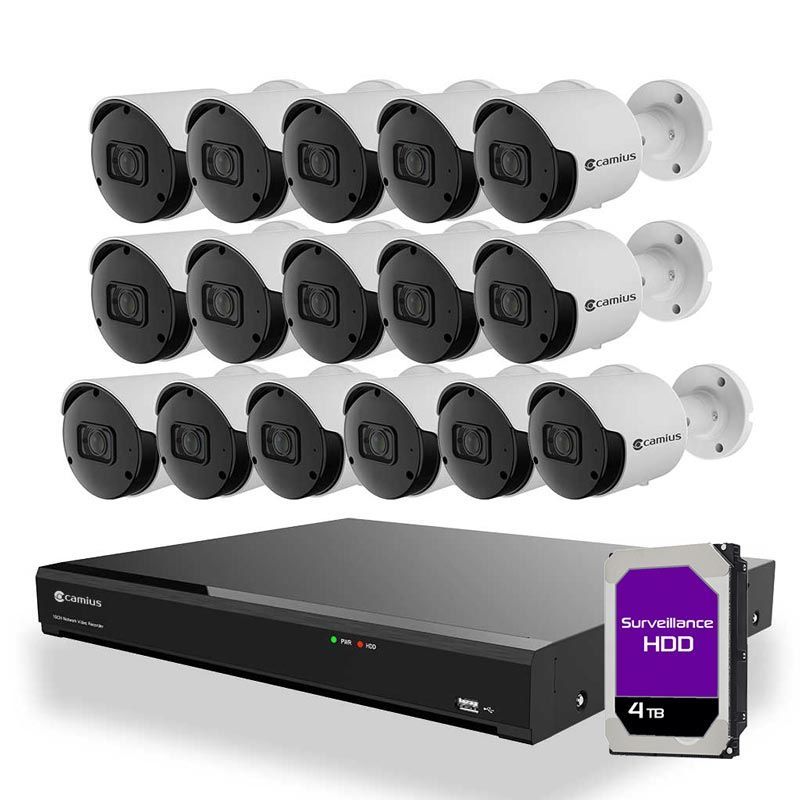
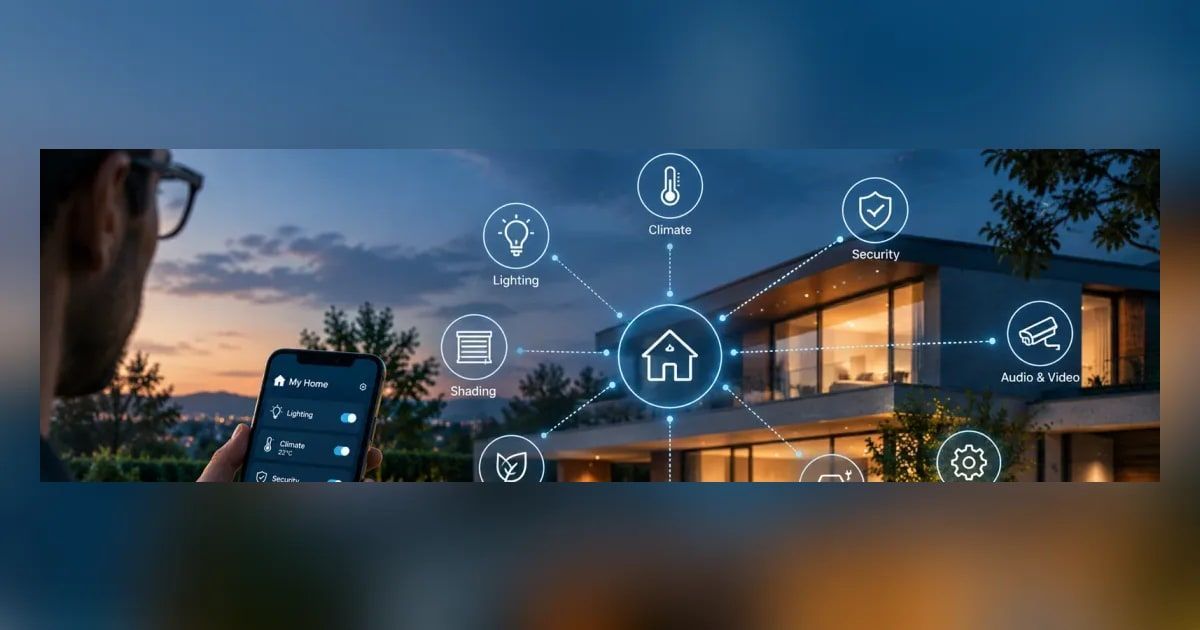
When comparing cameras, ask whether detection happens on the camera, on a recorder, or in the cloud. Check whether advanced features require a subscription. Consider resolution, night vision quality, and weather ratings, since Montana winters are tough on outdoor equipment. And make sure the system works with your other smart home technology, such as lighting that can turn on when a person is detected.
Professional installation helps
Getting the most out of AI detection depends on placement and setup. A professional installer can position cameras for the best views, set up detection zones, and fine-tune alerts so you get the notifications you need without the noise.
AI cameras won't stop the deer from eating your garden, but they can stop the deer from setting off your phone at two in the morning.