Using Alexa, Google, or Apple Home with a Professional Smart Home System
Gurinder Khabnra • October 24, 2026
Using Alexa, Google, or Apple Home with a Professional Smart Home System
Many homeowners start their smart home journey with a few consumer devices: a smart speaker in the kitchen, some smart plugs, maybe a video doorbell. Later, they start thinking about a professionally installed system for lighting, shades, audio, and security. A common question follows: what happens to the devices I already have? Can Alexa, Google, or Apple Home work with a professional system?
In many cases, the answer is yes. The details depend on which platforms you use and how your system is designed.
Why would you want both?
Consumer assistants are familiar. Many people already use them for timers, weather, shopping lists, and quick questions. Family members may be used to saying "Alexa" or "Hey Google," and they may not want to change that habit. A professional system, on the other hand, provides reliable control of the bigger systems in the home: lighting scenes, motorized shades, whole-home audio, cameras, and climate. Combining the two can give you the best of both.
How does the integration work?
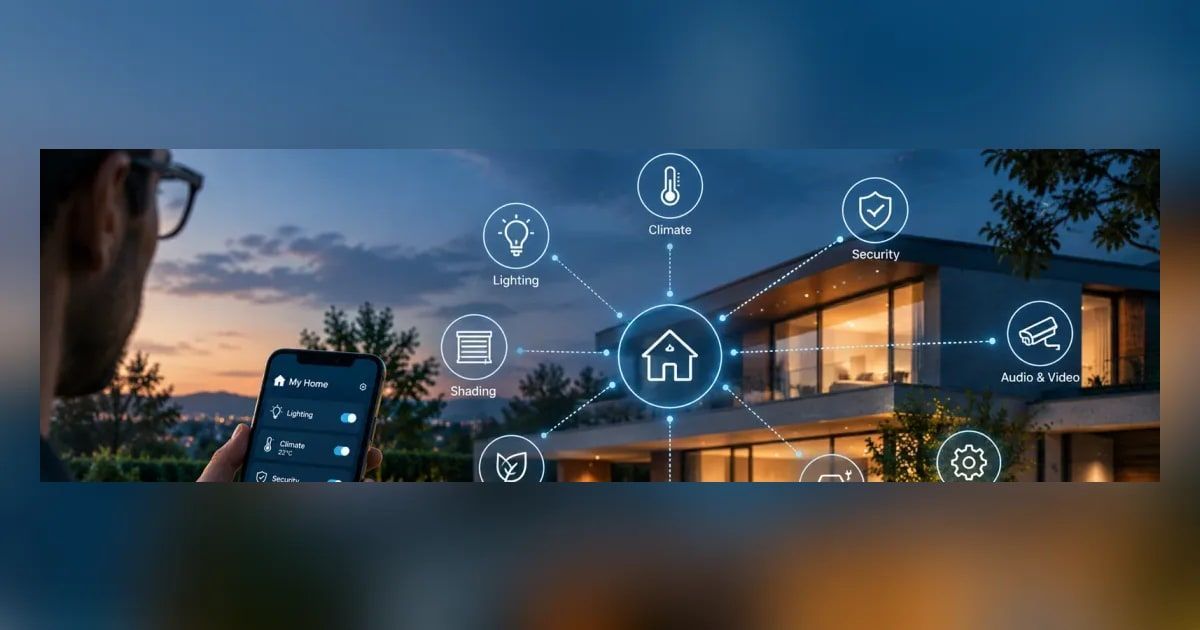
Most professional platforms offer some level of connection to consumer voice assistants. For example, a professional system can often expose lights, scenes, thermostats, and other devices so you can control them by voice through Alexa or Google Assistant. Apple Home integration is also available with some platforms and devices. Some lighting systems, such as Lutron, have their own integrations with these assistants as well.
The level of control varies. Some integrations let you trigger whole scenes like "Movie Time" or "Goodnight." Others work best for individual devices like a single light or thermostat. A good installer will explain what's possible with your specific setup.
What are the trade-offs?
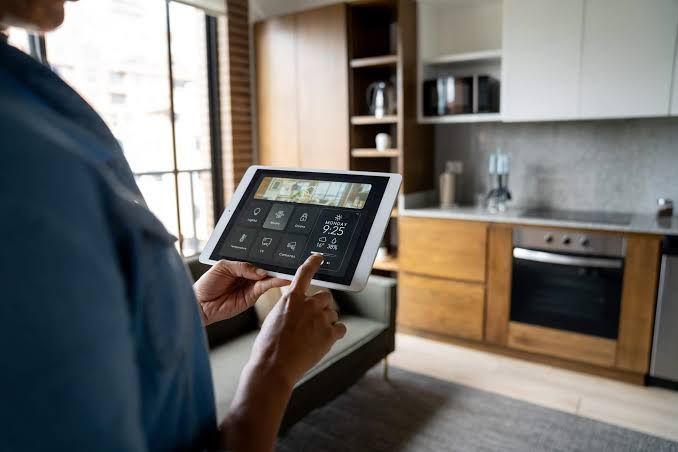
Consumer assistants depend on the internet and the companies that run them. If your internet goes down or a service changes, voice commands may stop working. A well-designed professional system keeps working locally, so your keypads, remotes, and touchscreens still control the house. That's one reason many integrators recommend treating voice as a convenient extra rather than the only way to control your home.
Privacy is another consideration. Consumer voice assistants are made by large tech companies, and some homeowners aren't comfortable having those microphones in every room. If that's a concern, you can limit where consumer speakers go or consider a privacy-focused alternative like Josh.ai, which is designed for professionally installed homes.
There's also the question of reliability and naming. If two systems both control the same lights, they can get confused. Room and device names need to be consistent, so "kitchen lights" means the same thing everywhere. An installer can set this up so voice commands work predictably.
What about the devices you already own?
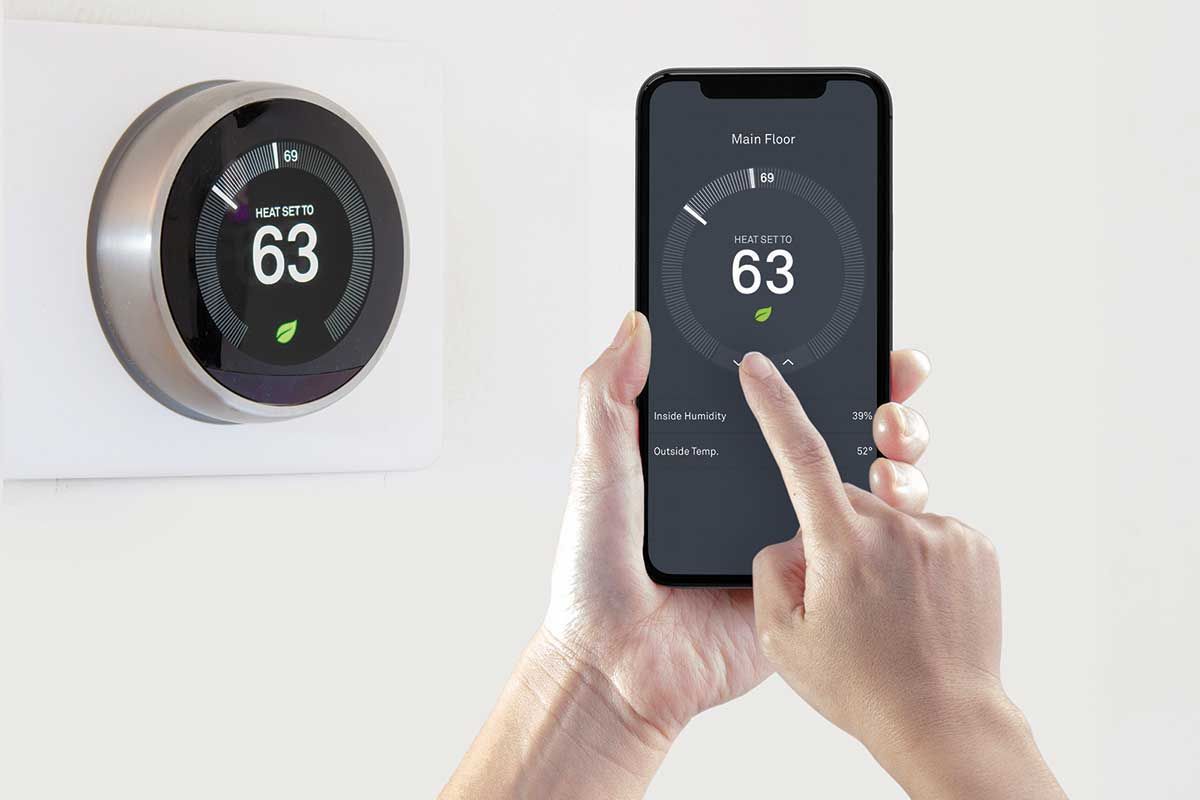
Some consumer devices can be brought into a professional system, and some can't. Smart plugs, inexpensive bulbs, and gadgets that rely on cloud services are often better replaced than integrated, especially if they've been unreliable. Devices like smart thermostats, video doorbells, and some locks may integrate well. It's worth making a list of what you have and reviewing it with your installer.
What's the best approach?
For most households, the best approach is to let the professional system be the reliable foundation and use consumer assistants for convenience where they make sense. That way, everyone can keep their familiar voice commands, and the house still works smoothly when the internet hiccups.
If you already have a collection of smart devices and want to take the next step, a local integrator can help you decide what to keep, what to replace, and how to make everything work together.