One-Touch Media Room Control: Why Your Entertainment System Needs a Single Remote
Gurinder Khabnra • October 24, 2026
One-Touch Media Room Control: Why Your Entertainment System Needs a Single Remote
Many living rooms have the same problem: a coffee table covered in remotes. One for the TV, one for the sound system, one for the streaming box, another for the cable or satellite receiver, and maybe one for a projector or lights. Guests can't figure out how to watch anything. Family members call for help just to switch inputs. It's frustrating, and it's one of the most common reasons people reach out to a home technology professional.
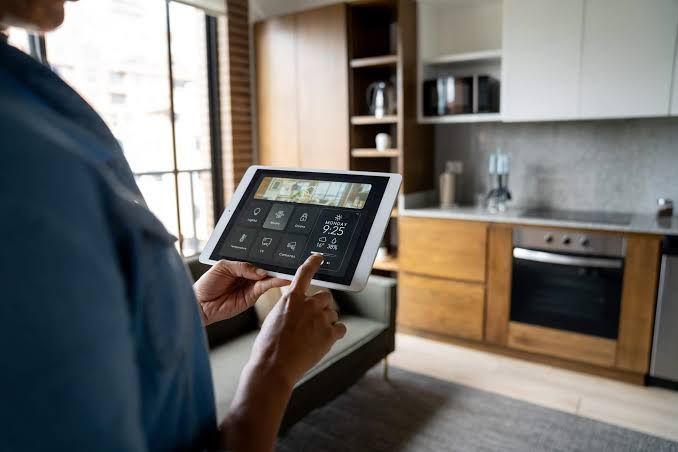
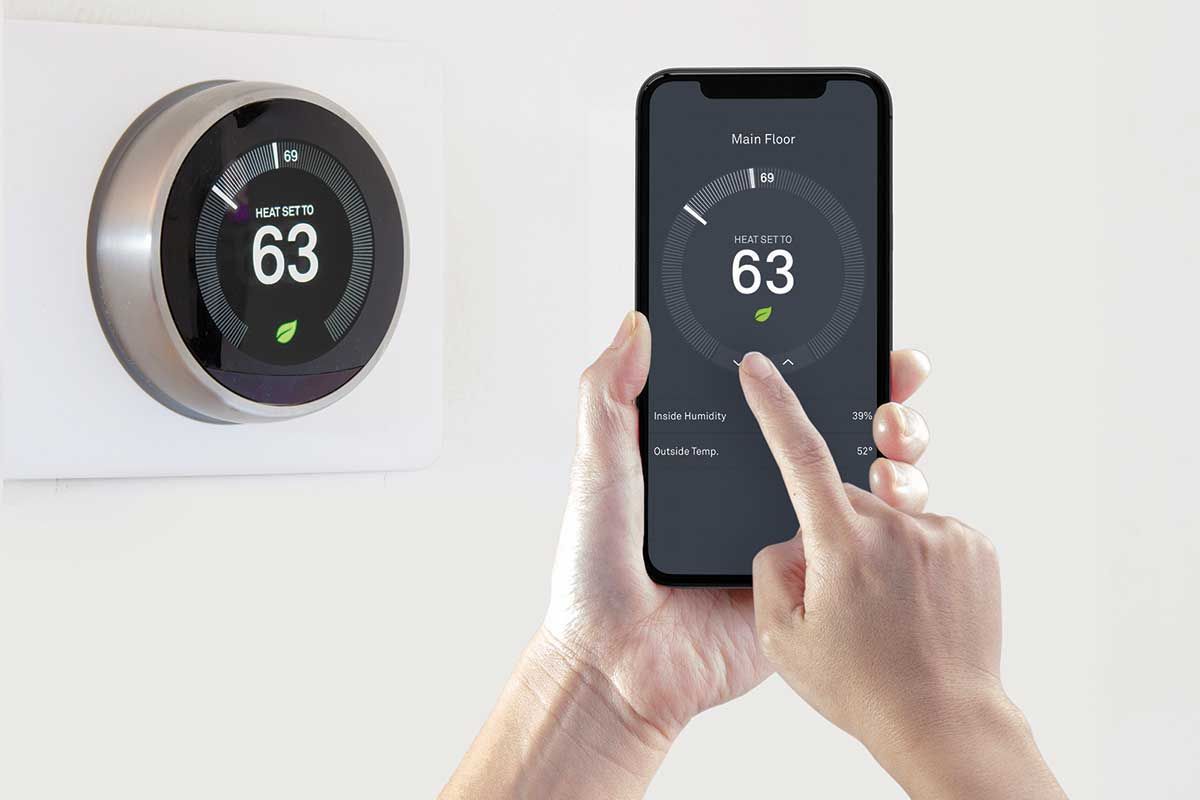
The fix is a properly programmed control system with a single remote, or a single app, that runs everything.
How does a one-touch system work?
Instead of controlling each device separately, a control system acts as the brain of your entertainment setup. It knows what each device does and how they relate to one another. When you press "Watch TV," the system turns on the TV, turns on the sound system, selects the right inputs on both, and sets the volume to a comfortable level. When you press "Off," everything shuts down together.
That sounds simple, and it should feel simple. Behind the scenes, though, the system is sending a series of commands in the right order and keeping track of what's on and what's off. That's what separates a professionally programmed system from a learning remote that just repeats button presses.
Why not just use a universal remote from the store?
Off-the-shelf universal remotes can help, but they often struggle with timing, inputs, and devices that don't report their status. When a command gets missed, the system gets out of sync, and you're back to grabbing the original remotes. Professional control systems from companies like RTI, URC, and Control4 are designed to handle these problems more reliably. They can control equipment in several ways, such as infrared, network, and wired connections, and they can be tailored to the exact gear in your home.
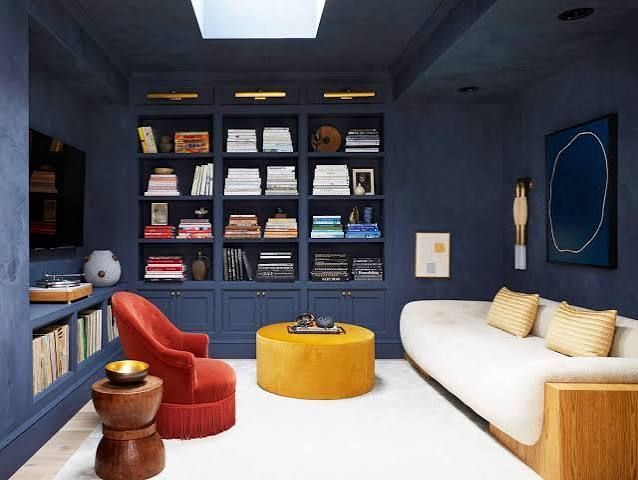
There's another big advantage. Professional systems can hide equipment. Your receivers, streaming boxes, and cable boxes can live in a closet or cabinet instead of under the TV, and the remote still works because it doesn't need line of sight. That makes for a cleaner room.
It's about more than the TV.
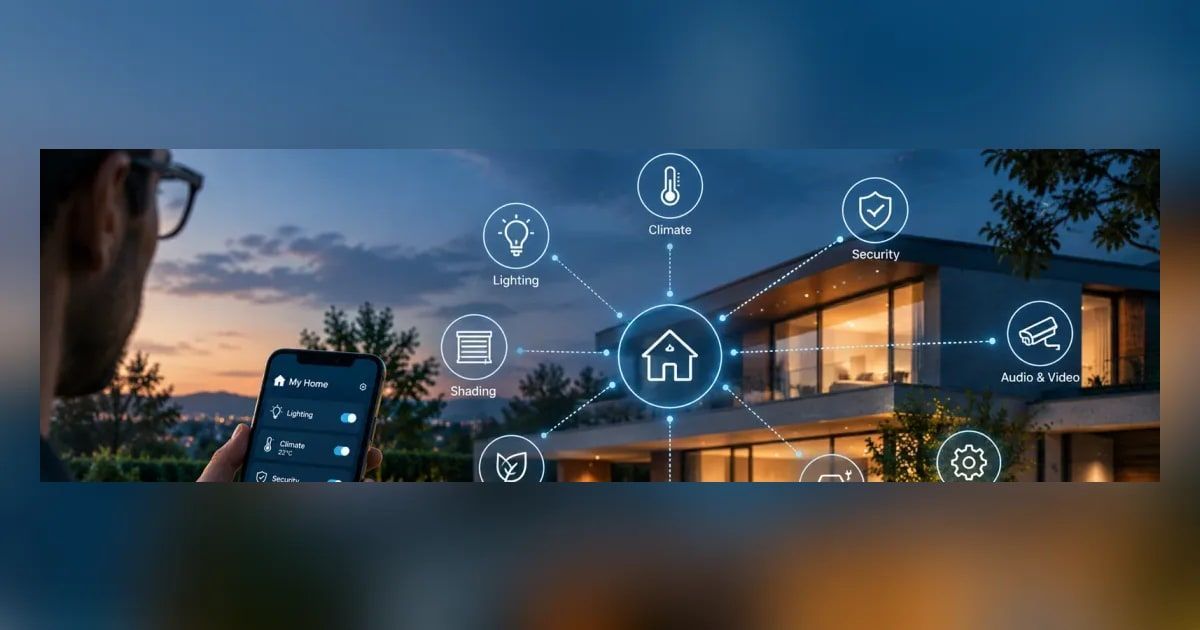
Once a control system is in place, it can do more than run your entertainment gear. It can dim the lights when a movie starts, lower the shades to cut glare, and control music in other rooms. Over time, it can grow into a whole-home system if you want it to.
What does a good setup look like?
The best systems start with how your household actually watches. Do you mostly stream? Watch live sports? Play video games? Each activity becomes a button, and the remote only shows the controls you need for that activity. If you're watching a streaming app, you see navigation buttons. If you're watching cable, you see channel controls and favorites, often with logos instead of numbers.
Good design also considers everyone in the house. Kids, grandparents, babysitters, and guests should all be able to pick up the remote and figure it out without instructions.
What should you expect to invest?
A single-room system costs more than a store-bought universal remote, mainly because you're paying for programming and support along with the hardware. The return is a room that just works, every time. Many homeowners say it's one of the upgrades they appreciate most because they use it every single day.
If your media room or living room has turned into a remote-control puzzle, a professionally programmed system is one of the simplest ways to bring back the fun of watching. A local integrator can look at your current equipment and recommend the right approach for your space.