Smart Home Cybersecurity: How to Keep Your Network and Devices Protected
Gurinder Khabnra • September 23, 2026
Smart Home Cybersecurity: How to Keep Your Network and Devices Protected
Every connected device in your home, from cameras and locks to thermostats and TVs, is a small computer on your network. That's what makes a smart home convenient. It's also why security deserves real attention. The good news is that most of the risk can be managed with a handful of solid habits and a well-designed network.
The first step is the simplest. Change every default password.
Many devices ship with a generic username and password that anyone can look up online, and leaving them unchanged is one of the most common ways attackers get in. Use strong, unique passwords for your router, your cameras, and every account tied to your smart home, and consider a password manager to keep track of them.
Turn on two-factor authentication wherever it's offered. With it enabled, a stolen password isn't enough to get into your account. This is especially important for camera apps, security systems, and any account that can unlock a door.
Keep everything updated. Manufacturers regularly release firmware updates that fix security flaws, and devices that never get updated become easy targets over time. Enable automatic updates where you can, and check on devices that don't offer that option. When you buy new equipment, choose brands with a track record of supporting their products.
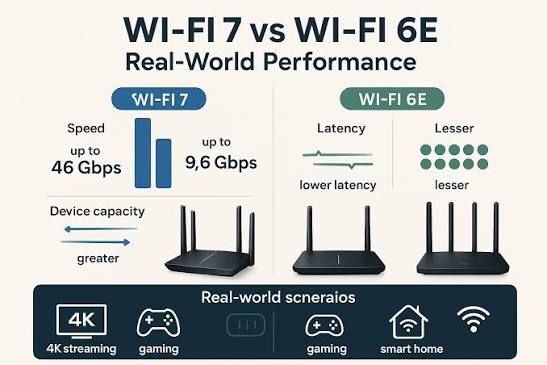
Your router is the front door to your network, so it deserves extra care. A professional-grade router or firewall gives you better control than a basic consumer model, including the ability to block unwanted traffic and monitor what's connected. Make sure remote management is turned off unless you need it.
Network segmentation is one of the most effective protections.
Instead of putting every device on the same network, you can create a separate network for smart home devices, and another for guests. That way, if a cheap gadget is compromised, it can't easily reach your computers or personal files. A professional installer can set this up so it doesn't get in the way of everyday use.
Think about what you plug in. Very inexpensive devices from unknown brands may have weak security and little or no support. It's often worth paying a little more for products from established manufacturers with a commitment to security. Also remove devices you no longer use, since forgotten gadgets can be a weak point.
For remote access, avoid opening up ports on your router, which can expose your devices to the internet. Use a secure method, such as a VPN or the manufacturer's secure cloud connection. And when you can, choose systems that continue to work locally, so critical functions don't depend entirely on outside servers.
Finally, review who has access. Camera and alarm apps often let you share access with family members or guests, and it's a good idea to check that list from time to time. Good security isn't about paranoia. It's about setting things up correctly once and keeping an eye on it.