Keypads vs. Apps vs. Voice: How to Control Your Home's Lighting
Gurinder Khabnra • September 23, 2026
Keypads vs. Apps vs. Voice: How to Control Your Home's Lighting
One of the first questions people ask when they start looking at smart lighting is how they'll actually control it. A wall keypad? An app on their phone? A voice command? The honest answer is that the best systems offer all of them, because each one is good at something different. Understanding the strengths of each will help you set up a system that feels natural to everyone in your household.
Wall keypads are the most reliable and most intuitive option. Anyone can walk into a room and press a button, with no phone, password, or explanation required. That matters for guests, kids, and babysitters. A single keypad can trigger scenes like Dinner, Movie, or Goodnight, and buttons can be engraved so there's no guessing. Because the keypad talks directly to the lighting system, it also works even if your internet goes down.
Apps are all about flexibility.
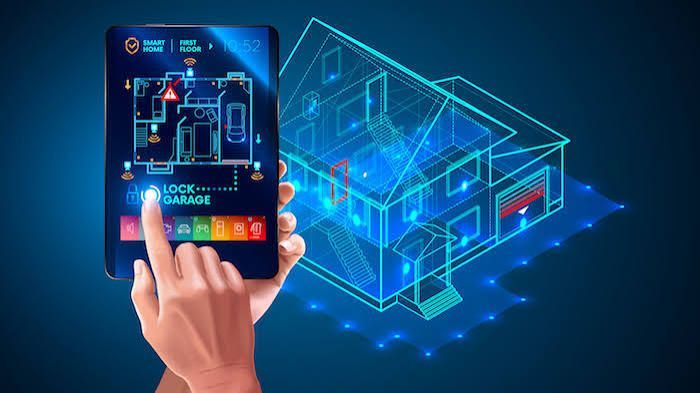
From a phone or tablet, you can control any light in the house, adjust individual dimmer levels, build schedules, and check on things while you're away. They're especially handy for lights that are hard to reach, like a garage or a barn, or for controlling a vacation home from another town. The tradeoff is that apps are less convenient in the moment. Pulling out a phone to turn on a lamp is slower than pressing a button on the wall.
Voice control is great when your hands are full. Asking your system to turn off the kitchen lights while you're carrying groceries or cooking is a genuinely useful feature, and it can be a real benefit for people with limited mobility. Voice does have its limits, though. It can misunderstand commands, it depends on your network, and not everyone in the house wants to talk to the walls.
There's also a fourth method that often does the most work. Automation.
Lights that turn on at sunset, dim in the evening, or switch off when the last person leaves are controlled by schedules and sensors, so you never have to think about them. Once these are set up, the manual controls become a backup for special occasions.
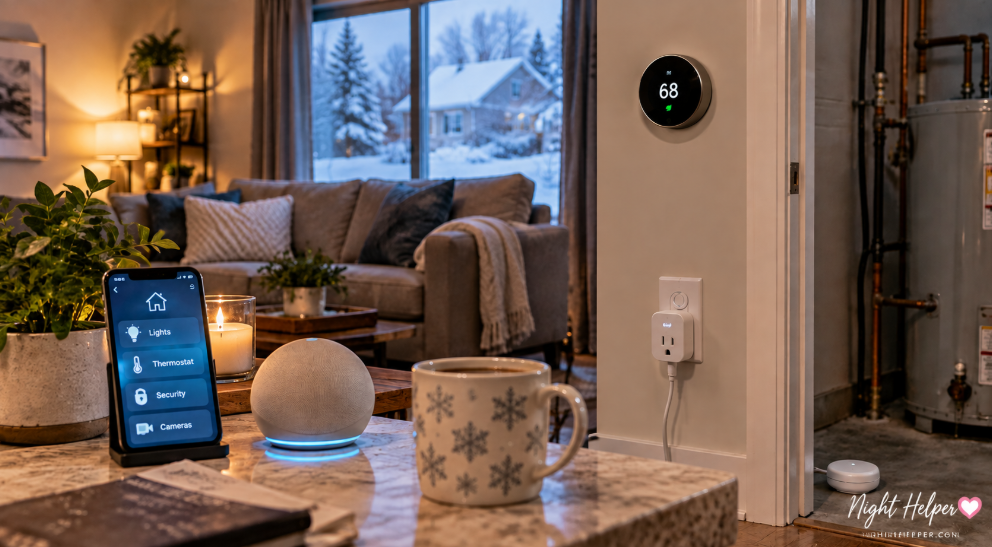
The best approach is to combine them. Keypads in the places you use every day, an app for remote access and fine tuning, voice for convenience, and automation for the routine stuff. Professional systems from Lutron and Control4 are designed to work this way, with all of these controls sharing the same scenes and settings.
When you're planning a system, think about how your household really lives. Where do you walk in after a long day? What should the house do when you go to bed? Your answers will tell you where keypads should go and which scenes to build, and a good installer will help you turn those habits into a setup that feels effortless.