Extending Wi-Fi to Your Shop, Guest House, Barn, or Dock
Gurinder Khabnra • October 24, 2026
Extending Wi-Fi to Your Shop, Guest House, Barn, or Dock
On many Montana properties, life doesn't stop at the back door. There's the shop where projects happen, the guest house where family stays, the barn where horses are kept, and the dock where summer afternoons are spent. All of these spaces can benefit from good Wi-Fi, whether for cameras, music, work, or simply checking your phone. The problem is that a home router's signal rarely reaches that far.
Here's how to extend reliable Wi-Fi to the buildings and spaces around your property.
Why Wi-Fi doesn't reach
Wi-Fi signals weaken quickly with distance and obstacles. Exterior walls, metal siding, trees, and terrain all block signals. A router inside the house may barely reach the yard, let alone a shop two hundred feet away. Consumer range extenders often add more problems than they solve, cutting speeds and creating unreliable connections.
Option 1: Buried cable
The most reliable way to connect an outbuilding is to run a physical cable from the house to the building. Network cable can work for shorter distances, while fiber optic cable can handle much longer runs and isn't affected by electrical interference or lightning in the same way. Cables are typically run through buried conduit, which protects them and makes future upgrades easier.
Once the cable reaches the outbuilding, a network switch and access point provide Wi-Fi and wired connections inside and around the building.
Buried cable requires trenching, so it's easiest during construction or when other underground work, such as power or water lines, is being done. If you're building a shop or guest house, adding conduit for network cable is one of the smartest investments you can make.
Option 2: Wireless bridges
When trenching isn't practical, a point-to-point wireless bridge is a great alternative. A bridge uses a pair of directional antennas, one on the house and one on the outbuilding, aimed at each other. It creates a strong, dedicated wireless link that can cover long distances when there's a clear line of sight.
Bridges are commonly used on rural properties and can deliver fast, reliable connections. Trees or hills between buildings can interfere, so placement matters.
Option 3: Outdoor access points
For open areas like patios, yards, pastures, and docks, outdoor access points designed to withstand weather can provide coverage. They can be mounted on the house, a pole, or another structure. Outdoor access points connect back to the network by cable or bridge.
Docks and lakefront areas
Docks can be tricky because they're often far from the house and close to water, which can affect signals. An outdoor access point aimed toward the lake, or a bridge to a boathouse, can bring Wi-Fi to the shore for music, cameras, and checking the weather.
Power considerations
Every outbuilding device needs power. Many access points and cameras can be powered through Power over Ethernet, which sends power and data over the same cable. Buildings without electrical service may need power added, or in some cases, solar options may work.
Security for outbuildings
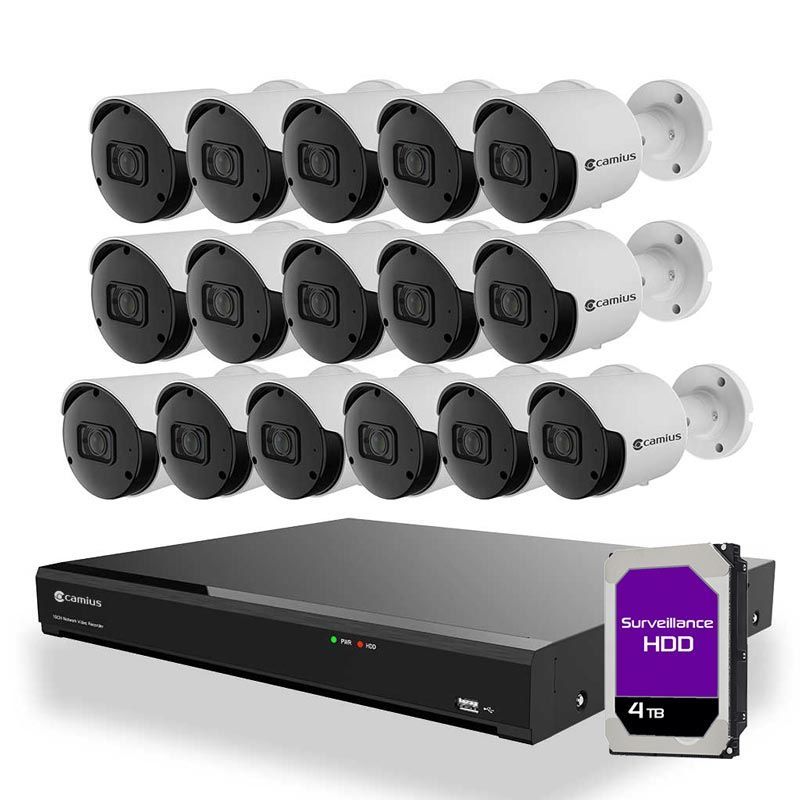
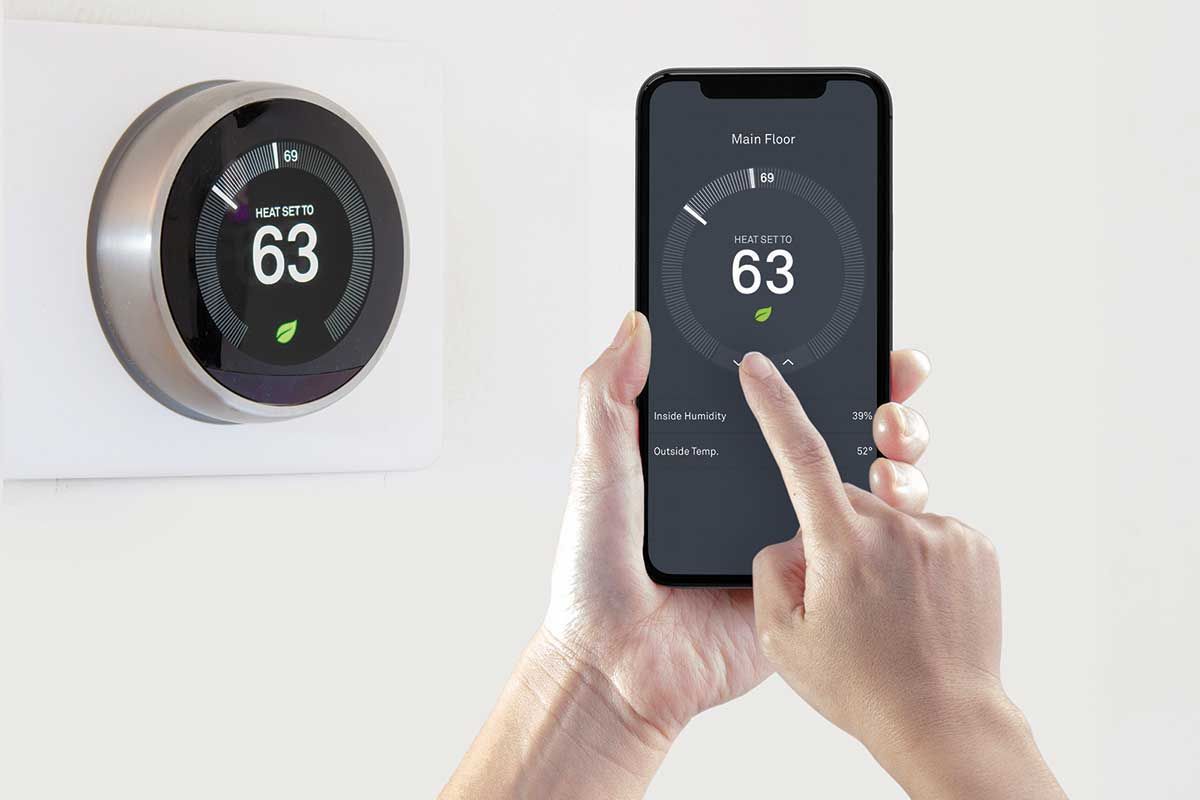
Once a building has network access, you can add cameras, smart locks, and sensors. That's a big benefit for shops with valuable tools, barns with animals, and guest houses that sit empty part of the year. Temperature sensors are especially helpful in Montana winters.
One network, managed together
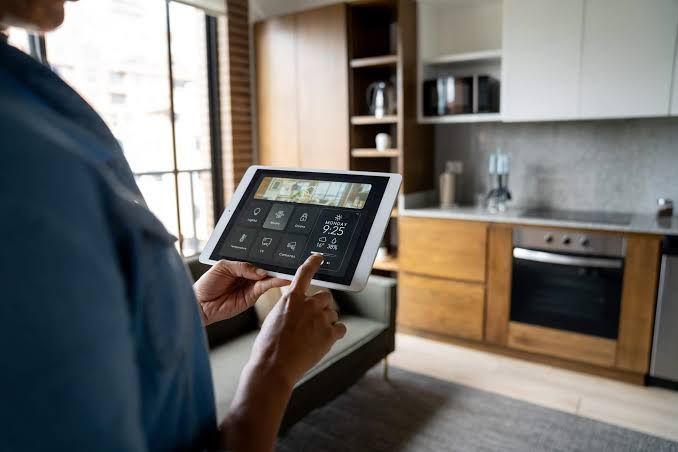
The best setups manage all of these connections as one network. That makes it easier to monitor, secure, and troubleshoot everything from one place, and devices can move between buildings without dropping off.
A network professional can assess your property, measure distances, check line of sight, and recommend the right combination of cable, bridges, and access points to bring reliable Wi-Fi everywhere you need it.