Control4 Explained: What It Does and Who It's Really For
Gurinder Khabnra • October 24, 2026
Control4 Explained: What It Does and Who It's Really For
If you've started researching home automation, you've probably run into the name Control4. It comes up in conversations with builders, in listings for high-end homes, and on the websites of local integrators. But what is it, exactly, and is it something your home needs? Here's a plain-language look at what Control4 does and who tends to get the most out of it.
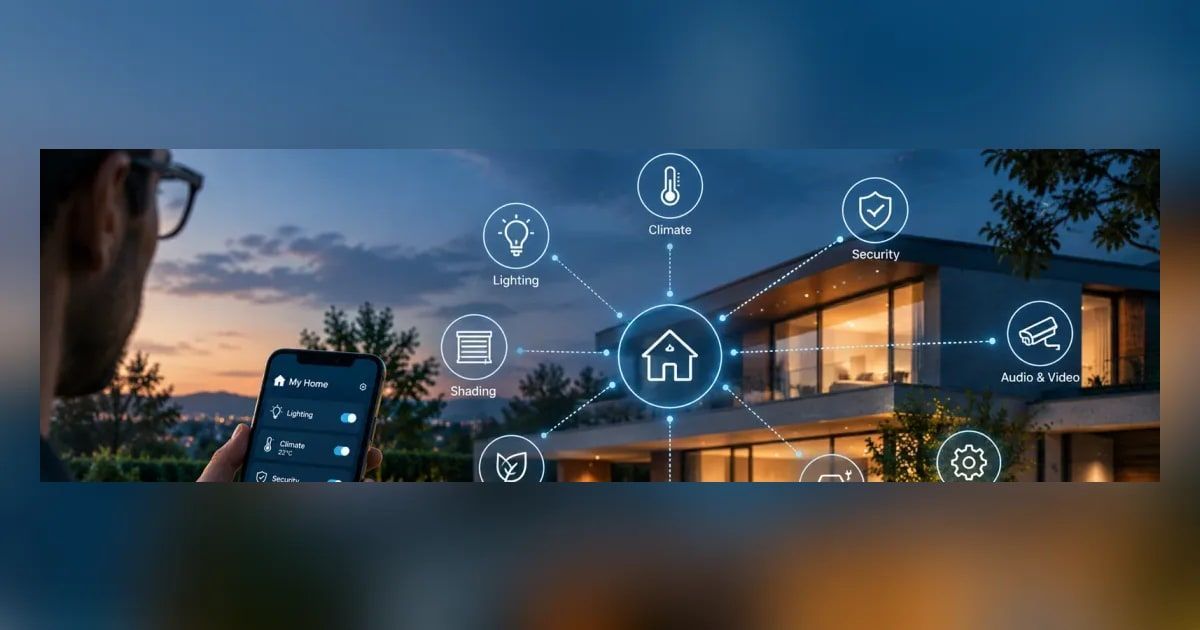
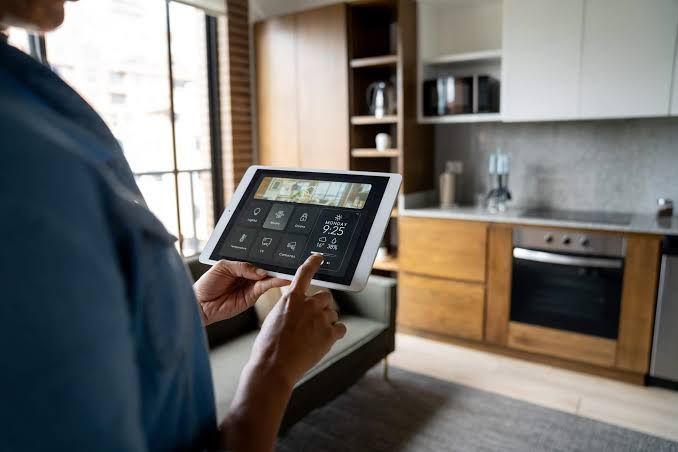
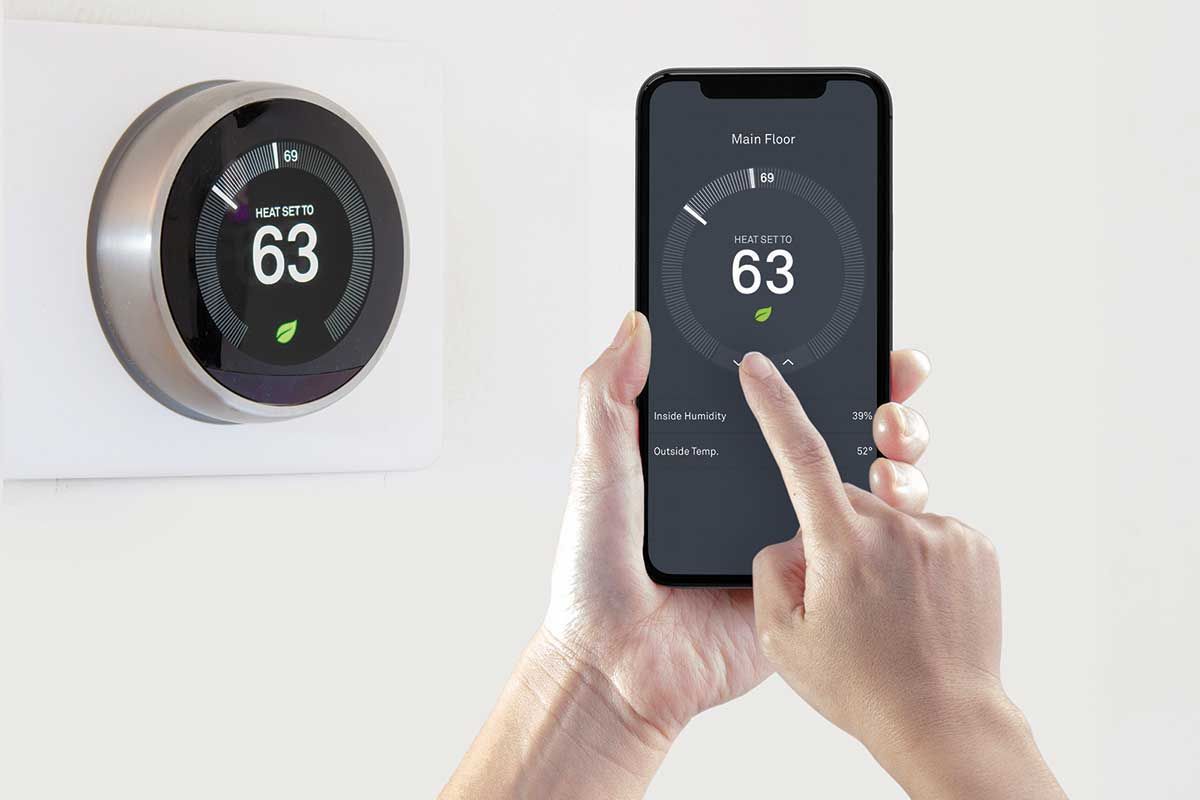
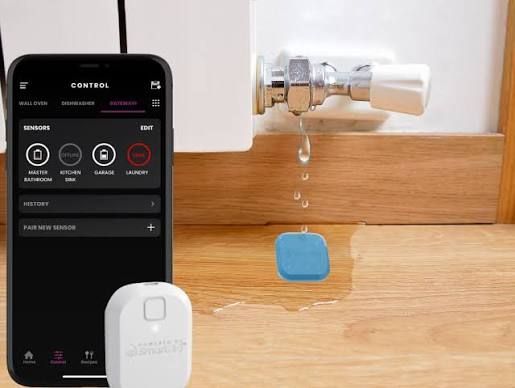
At its core, Control4 is a whole-home automation platform. It ties together systems that would otherwise run separately, such as lighting, music, TVs, security cameras, door locks, thermostats, and motorized shades, so they can be controlled from one place and work together. Instead of opening five different apps, you use one interface: a touchscreen on the wall, a handheld remote, a keypad, or the Control4 app on your phone.
The real value is in how things work together.
A single button labeled "Goodnight" can lock the doors, turn off the lights downstairs, lower the shades, set the thermostat back, and arm the security system. A "Movie" scene can dim the lights, drop the shades, turn on the TV and sound system, and switch to the right input. Arriving home can turn on the entry lights and adjust the temperature. These routines are what people mean when they talk about a home that feels smart rather than just connected.
Control4 is sold and installed through certified dealers rather than off a store shelf. That's an important difference from DIY smart home products. A dealer designs the system around your home, installs the hardware, and programs the scenes and schedules to match how you actually live. When something needs to change, like adding a new TV or adjusting a schedule, your dealer can often make updates remotely.
So who is Control4 a good fit for?
It tends to make the most sense for homeowners who want several systems working together and don't want to manage them all themselves. If you're building a new home, finishing a large remodel, or adding a media room, it's a natural time to consider it, because the wiring and equipment locations can be planned from the start. It's also a strong option for families where not everyone is comfortable with technology. A well-designed Control4 system is meant to be simple to use, even if what's happening behind the scenes is complex.
It's also a good fit for second homes and lake cabins. Being able to check cameras, adjust the heat, and confirm the doors are locked from a few hundred miles away is a real convenience, especially through a Montana winter.
Control4 may be more than you need if you only want to control a few lights or a single speaker. In that case, simpler products can do the job. It's also worth knowing that a professionally installed platform carries a higher upfront cost than buying a few smart plugs. What you pay for is design, reliability, and support.
A few questions are worth asking before you commit. What systems do you want to control now, and what might you add later? Who in the household will use it, and how comfortable are they with apps? Do you want a touchscreen in the kitchen, a remote in the living room, or mostly phone control? Your answers shape how the system should be designed.
It's also smart to ask any installer how they handle service and updates after the job is done. A platform like Control4 works best with a dealer who stays involved.
Control4 isn't magic, and it isn't for everyone. But for homeowners who want their technology to feel simple, dependable, and tied together, it's one of the most established options available. A conversation with a certified dealer is the best way to find out whether it fits your home and how you live.