Whole-Home Wi-Fi: Why a Mesh Network Beats a Standard Router
Gurinder Khabnra • September 10, 2026
Whole-Home Wi-Fi: Why a Mesh Network Beats a Standard Router
If you've ever had strong Wi-Fi in the living room and almost nothing in the bedroom upstairs, you already understand the problem that mesh networks were built to solve. A single router, no matter how expensive, has a limited range, and in a lot of homes that range simply doesn't reach every corner.
A traditional setup relies on one router broadcasting a signal from a single point in the house. As you move further away, or as that signal has to pass through walls, floors, and appliances, it gets weaker. Some homes deal with this by adding a Wi-Fi extender, but extenders come with their own tradeoffs. They typically create a second network name, they often cut your speed roughly in half, and they don't hand off your device smoothly as you move from room to room.
A mesh network takes a different approach.
Instead of one router doing all the work, you have multiple nodes placed throughout the house, all working together as a single unified system under one network name. As you walk from the kitchen to the garage, your phone or laptop automatically connects to whichever node gives the strongest signal, without you ever noticing a drop or a hiccup. This is often called seamless roaming, and it's one of the biggest quality of life improvements people notice after switching.
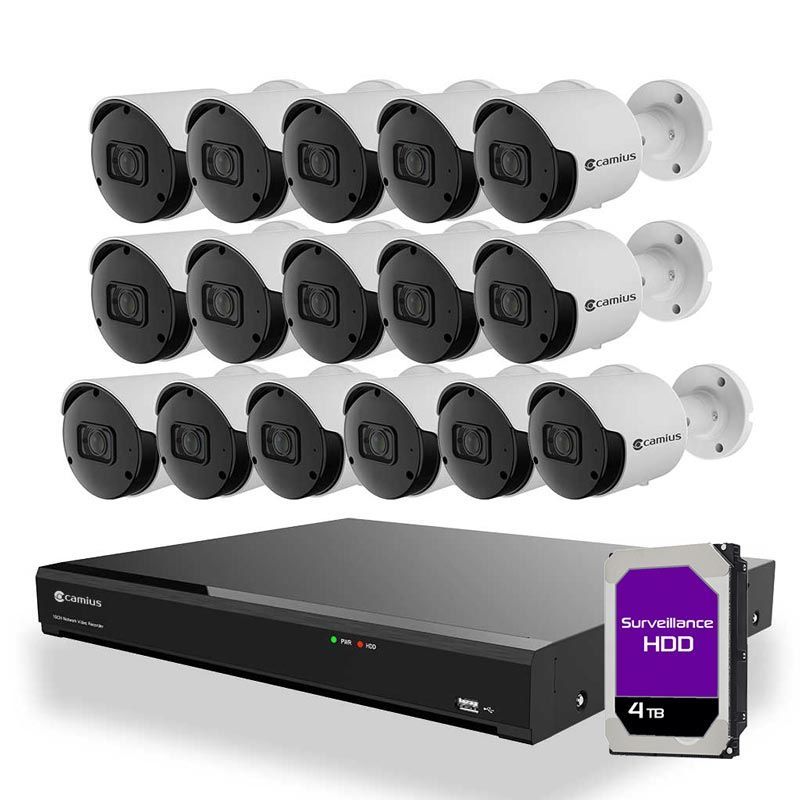
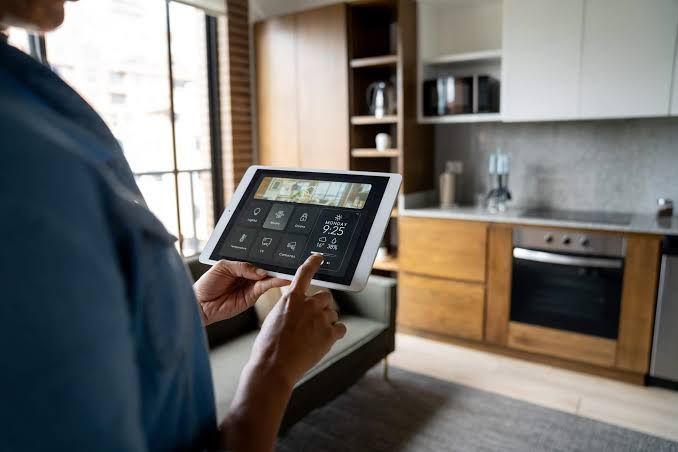
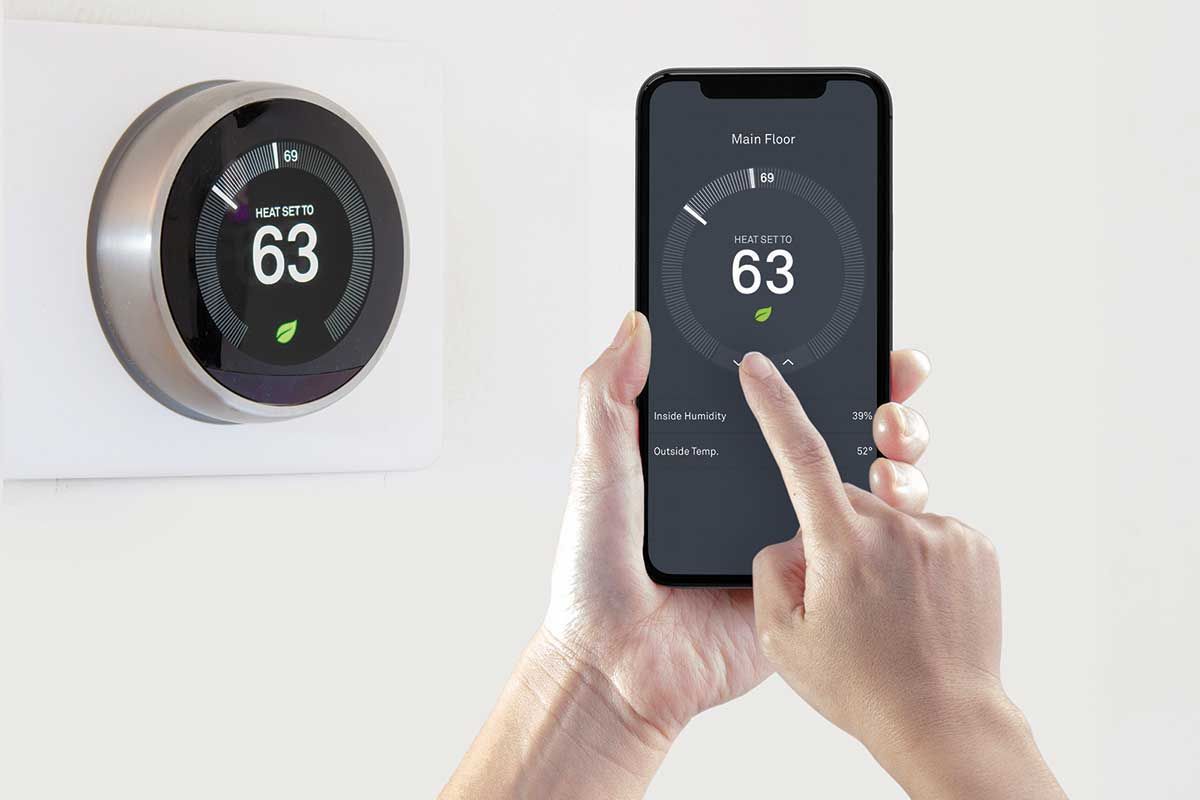
Coverage is the most obvious benefit. Reliability tends to matter just as much once a home has a lot of connected devices, though. Between phones, laptops, smart TVs, security cameras, thermostats, and speakers, a modern smart home can easily have thirty or more devices competing for bandwidth. A mesh system is built to handle that kind of load far better than a single router, which was never designed to manage dozens of connections at once.
Larger properties present an extra challenge.
A single router in the house often can't reach a detached garage, a guest house, or outdoor security cameras near the property line, which is a common situation on the kind of acreage you see a lot of in Western Montana. Mesh systems can be extended with additional nodes or point to point wireless bridges to cover these outbuildings, something a standard router simply isn't built to do.
Professional installation makes a real difference in how well a mesh network actually performs. It's tempting to just buy a mesh kit and place the nodes wherever seems convenient, but node placement has a huge impact on performance. A professional installer will run a site survey, identify dead zones, and place nodes based on your home's actual construction, including things like metal ductwork or thick plaster walls that can interfere with signal in ways that aren't obvious from the outside.
Security is worth mentioning too. A properly configured mesh network can segment your Wi-Fi into separate networks, keeping guest devices and smart home gadgets isolated from the devices where you handle sensitive information like banking. This kind of network segmentation is standard practice in a professional installation but is rarely set up correctly, if at all, in a basic do it yourself router.
For a lot of homeowners, upgrading to mesh Wi-Fi ends up being the single change that makes every other smart device in the house work better. Everything finally has a stable, strong connection no matter where it sits, which sounds small until you're the one who's lived without it.