How Smart Home Automation Works: A Beginner's Guide
Gurinder Khabnra • September 10, 2026
How Smart Home Automation Works: A Beginner's Guide
If you've ever walked into a house where the lights adjust themselves, the shades close at sunset, and the thermostat somehow knows you're on your way home, you've seen smart home automation in action. It can look like magic from the outside. The technology behind it is actually pretty logical once you understand the basic pieces.
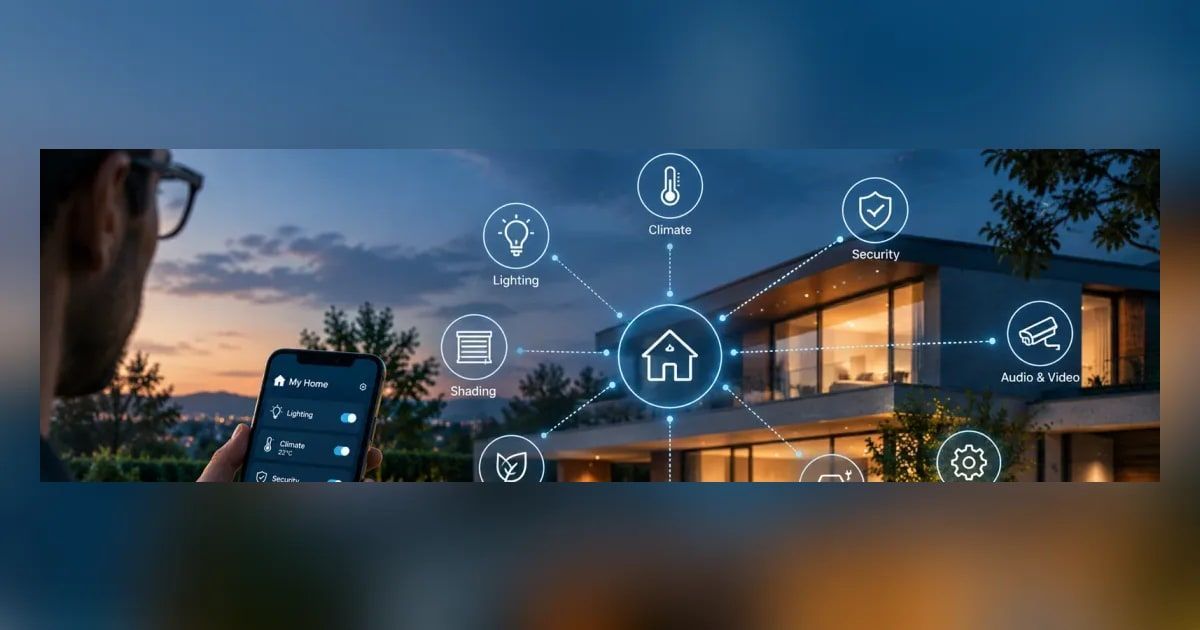
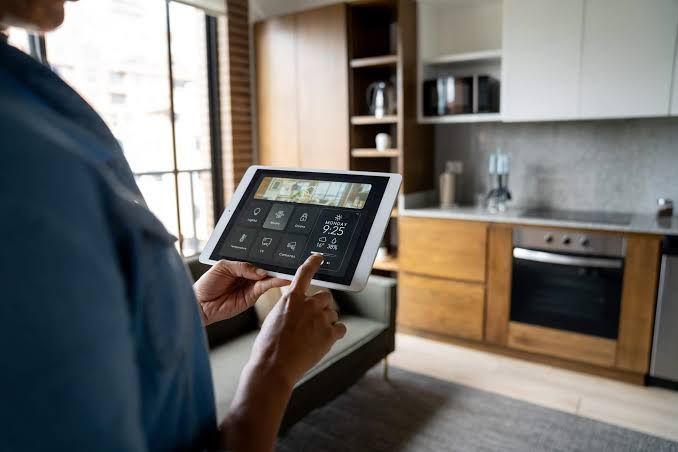
At its core, a smart home system connects individual devices, like lights, locks, thermostats, cameras, and speakers, to a central hub or app. That hub is what lets everything talk to each other. Without it, you'd just have a pile of gadgets that each need their own app and their own set of rules. With it, you get one system that responds to your habits and your schedule instead of waiting on you to manage every device separately.
Most systems rely on a mix of wireless protocols to move signals around the house. Wi-Fi handles a lot of the heavy lifting, especially for streaming and cameras. Many automation devices use lower power protocols like Zigbee or Z-Wave instead, since these are built for small bursts of data and long battery life. That's why a door sensor can run for years on a single battery while your phone needs charging every night.
The real value of automation shows up in what's called scenes and triggers.
A scene is a preset combination of settings, like "movie night," which might dim the lights, lower the shades, and turn on the TV all at once. A trigger is what starts that scene, whether it's a voice command, a tap on a keypad, or a sensor detecting that the sun has gone down. Once these are set up, the system runs quietly in the background without you having to think about it.
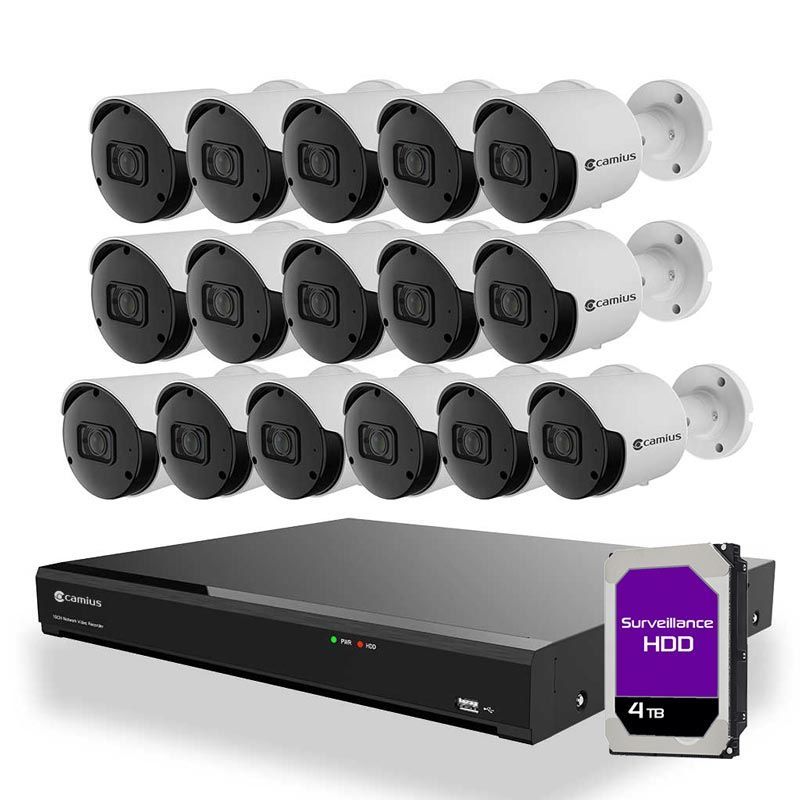
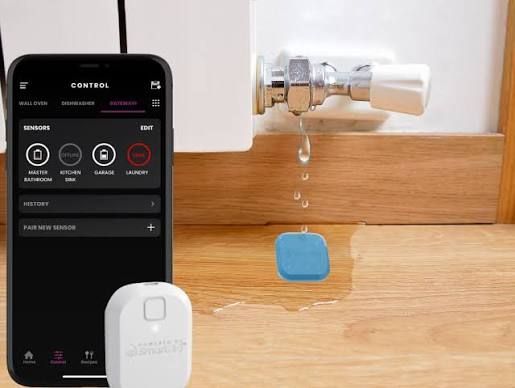
Security is usually one of the first things people ask about when they start looking into automation. A connected system can tie cameras, door locks, and motion sensors together so that a single event, like someone opening a side door at 2am, can trigger a notification, turn on exterior lights, and start recording footage automatically. That kind of layered response is much harder to build with standalone devices bought separately over time.
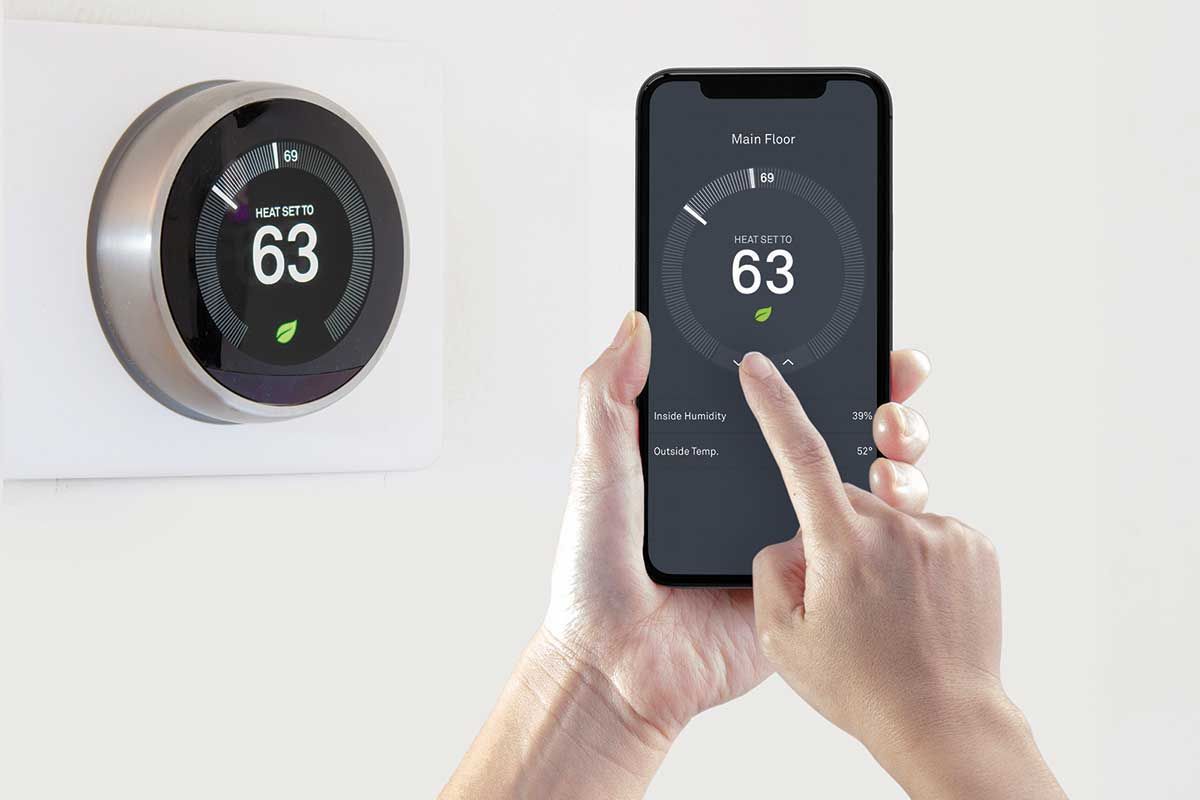
Energy savings matter too. Smart thermostats learn your schedule and adjust heating and cooling before you even ask. Lighting systems can automatically switch off in empty rooms. Over a year, those small automatic adjustments tend to add up to a noticeable reduction in utility bills, especially in a climate like Montana's where heating costs can swing a lot between seasons.
One thing worth understanding early is the difference between a DIY smart home and a professionally installed one. DIY kits from a big box store can work fine for a single device or two. They often struggle to talk to each other reliably once you add more than a handful of gadgets, though. Professional systems, like those built on Control4 or Lutron platforms, are designed from the ground up to integrate dozens of devices into one seamless experience, with a single app and a single point of support if something goes wrong.
Getting started doesn't mean automating your entire house at once. Most homeowners begin with one or two areas, like lighting or security, and expand from there as they get comfortable. The technology is flexible enough to grow with you, whether you're retrofitting an older home or building automation into new construction from day one.