How Many Access Points Does Your Home Need? A Square-Footage Guide
Gurinder Khabnra • September 23, 2026
How Many Access Points Does Your Home Need? A Square-Footage Guide
When people ask how many Wi-Fi access points they need, they usually expect a simple number. The truth is that square footage is a good starting point, but it's only part of the answer. Layout, construction, and the way you use your network all change the equation. Here's how to think about it.
An access point is the device that broadcasts your Wi-Fi signal. Unlike a basic router, which does everything in one box, a dedicated access point is designed to be mounted in the best spot for coverage and wired back to your network. Homes with several of them can deliver strong signal in every room instead of one busy corner.
As a general rule of thumb, one access point can cover roughly 1,500 to 2,000 square feet in an open layout with light wood-frame construction. A smaller single-level home might do well with one or two. A larger home might need four or more. Treat those numbers as a rough guide, not a promise.
Floors matter as much as footage.
Signal passes through floors and ceilings less easily than you'd expect, so a two story home generally benefits from at least one access point per level. Basements, especially finished ones with concrete walls, often need their own dedicated access point.
Construction is the biggest variable. Stone, brick, concrete, metal framing, and log walls weaken signal much more than standard drywall. A log home or a house with a lot of stonework might need noticeably more access points than a same-size wood-frame house.
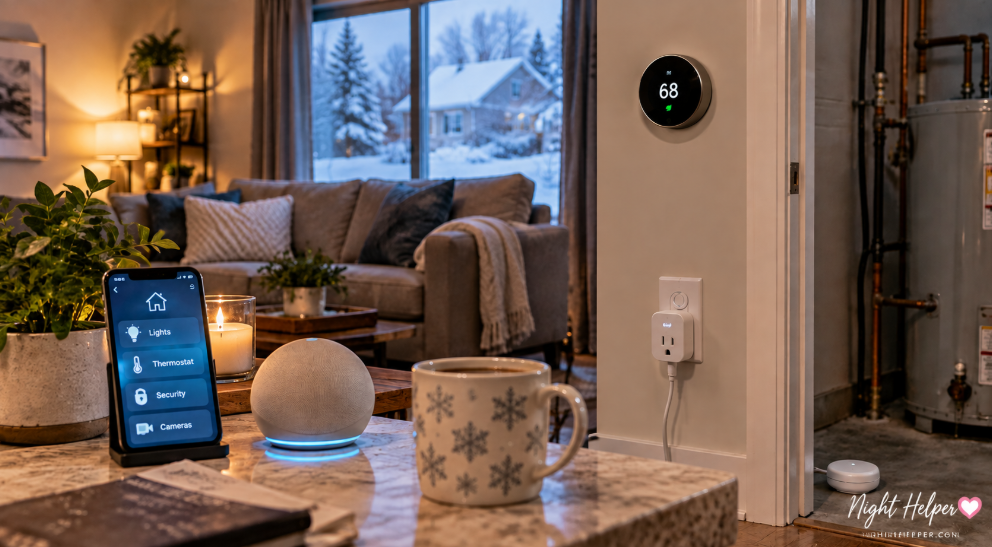
How you use the network matters too. A household with a couple of laptops and phones has very different needs than one with dozens of devices, including smart TVs, cameras, speakers, and thermostats. More connected devices in the same area means more demand on each access point, so busy spaces like living rooms and home offices may need extra capacity.
Outdoor areas count. Patios, decks, detached garages, and shops can be covered with weatherproof outdoor access points, which are a good fit for properties where you want cameras, music, or Wi-Fi out in the yard.
More isn't always better.
Placing too many access points too close together can cause them to interfere with each other, which can hurt performance. A well-designed network sets each one to the right channel and power level so they work as a team. That's why placement and configuration matter as much as the count.
The best way to know for sure is a site survey. A professional will look at your floor plan, test signal strength, and recommend how many access points you need and where they should go. It takes the guesswork out and helps you avoid paying for equipment you don't need or living with dead spots you thought you'd fixed.