How To Build a Modern Smart Home
November 3, 2025
Smart Home Advice · smart home automation · Smart Home Basics · smart home building ·May 17, 2022
Building a new home is exciting, but with rising costs, it can also feel stressful as you balance design decisions, product choices, and budget priorities. In the middle of those bigger conversations about layout, bathrooms, and kitchen design, it is easy to overlook the technology infrastructure that helps a home function better now and in the future.
So why is smart home infrastructure not already a standard part of every new build? The simple answer is that the building industry is still catching up. Smart home technology is a relatively new category compared with foundational systems like electrical and plumbing, which have been part of home construction for generations.
Indoor plumbing began to appear in the mid-1800s, but it was not until the 1930s that plumbing codes were introduced to protect public health and reduce disease caused by poor sanitation and inadequate infrastructure. Around that time, indoor plumbing became more common in everyday homes instead of being considered a luxury. Smart home infrastructure is following a similar path, becoming less of an upgrade and more of an essential part of modern home design.
By the 1930s, electricity had become more common in urban homes, and by the 1940s, flipping a switch was becoming an everyday expectation in new construction.
The internet was invented decades ago, but it did not become common in homes until the mid-1990s. With the rapid growth of connected technology over the last several decades, it is no surprise that today’s homeowners increasingly expect their homes to include strong network and technology infrastructure from the start. While some builders may hesitate to add another trade or another layer of complexity that could affect budget or timelines, consumer demand is changing expectations. More builders are now incorporating technology infrastructure into their projects because it is becoming as important to modern living as plumbing and electrical systems.
You have a plumber. You have an electrician. Now you also need a technology integrator.
Technology designers and integrators like Level Up Automation are trained to design, install, and coordinate the systems that make your home’s technology work together reliably. A qualified integrator can:
- Design your systems to work together in one app instead of several
- Review architectural plans and make recommendations early in the process
- Help protect your privacy by designing systems around your preferences for data storage and access
- Coordinate with builders, electricians, and other trades to plan wiring for networking, security, sound systems, smart lighting, and more
- Program scenes and controls that make the system easy for everyone in the home to use
One of the most important parts of a modern home is its technology infrastructure. By incorporating a few best practices during the building process, you can create a home that is easier to use today and better prepared for the future.
A few specific improvements I’d make beyond the rewrite:
- Change “The most important emerging infrastructure of your new home is technology infrastructure” to something less absolute. It sounded a little overstated.
- Change “future proof your home” to “better prepare your home for the future” if you want it to sound more polished.
- Keep the “You have a plumber. You have an electrician. Now you also need a technology integrator.” sequence — that’s strong.
Top 3 best practices in technology systems in building a new home to save you money and future proof.
1. Use CAT6 as the minimum standard for network cabling
CAT stands for category cable, which is low-voltage wiring used to carry data and, in many cases, power for connected devices. If you remember plugging your laptop into the internet before Wi-Fi became common, that was a network cable.
Each generation of category cable offers greater speed and performance. CAT6 provides significantly better capability than CAT5, yet we still see CAT5 installed in some new home builds.
Using older cable standards can limit the performance of the devices and systems in your home. For that reason, we recommend using nothing lower than CAT6 for residential network infrastructure. In some cases, CAT6A or fiber may also be appropriate, especially when planning for long cable runs, higher bandwidth demands, or future expansion.
2. Plan ahead for wireless, lighting, audio, and security
The speed and reliability of these systems depend heavily on good infrastructure. Planning ahead during construction gives you more flexibility, better performance, and lower installation costs later.
We recommend prewiring for:
- TV locations so streaming devices and smart TVs can be hardwired for reliable performance
- Security camera locations at the front, back, and sides of the home, since many modern cameras use CAT6 for both communication and power
- Video doorbells, which are one of the most important points of visibility and communication at the home
- Home office locations so laptops, desktops, and other work devices can operate at maximum speed and stability
- Security panels and control systems so they have dependable power and connectivity
- Wireless access points in key areas of the home to provide strong Wi-Fi coverage for phones, tablets, and other mobile devices
Creating this infrastructure before the walls are closed is one of the smartest investments you can make. Prewiring during construction is significantly more cost-effective than trying to add wiring after the home is finished. Once insulation, drywall, and other finishes are in place, access becomes much more limited, and in some cases it may no longer be practical to wire certain locations cleanly.
3. Prewire for audio and entertainment
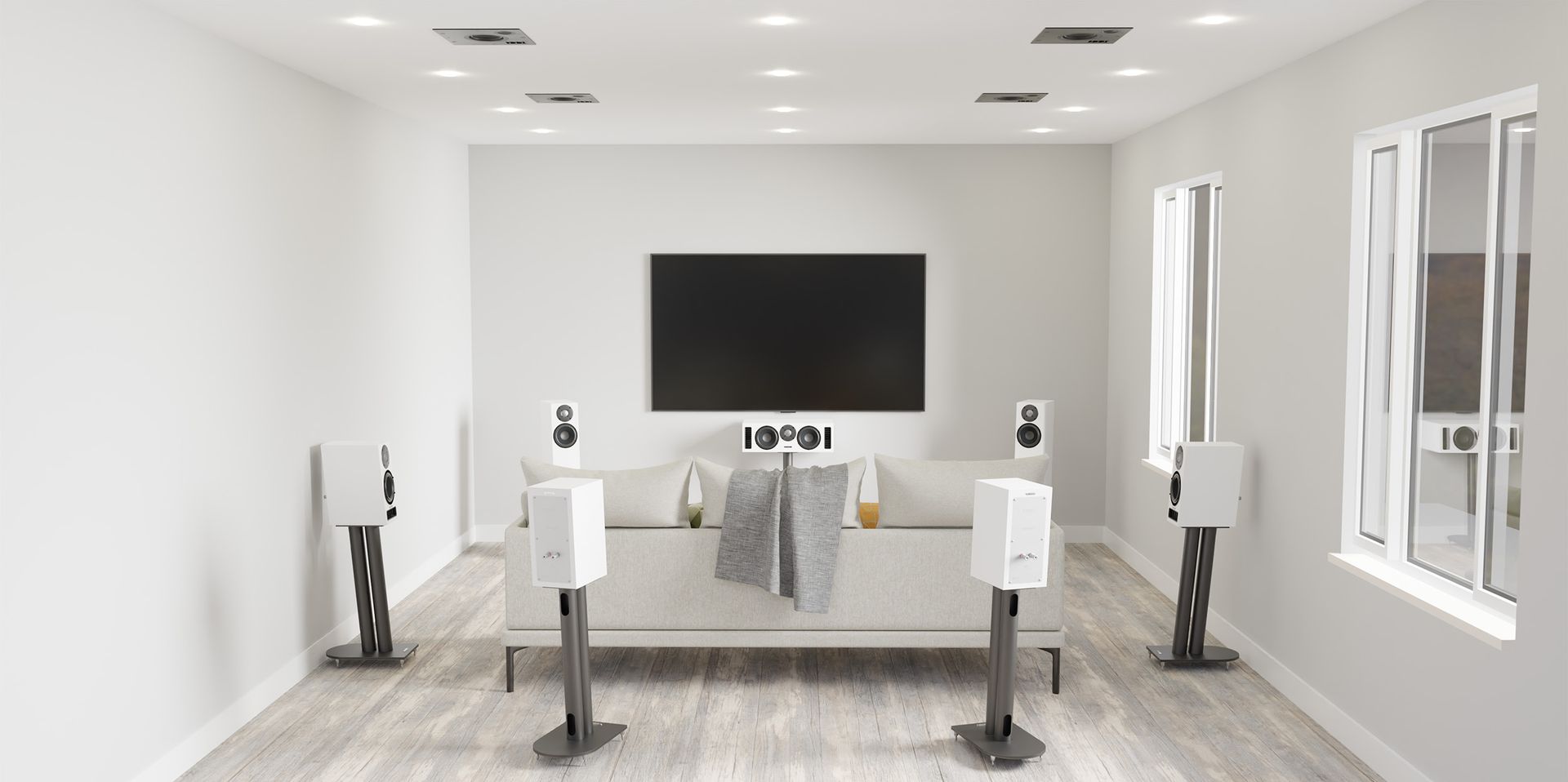
Modern homes often include systems for whole-home audio, allowing homeowners to enjoy music, podcasts, and other content throughout the house using platforms such as Spotify, Sonos, and other streaming services.
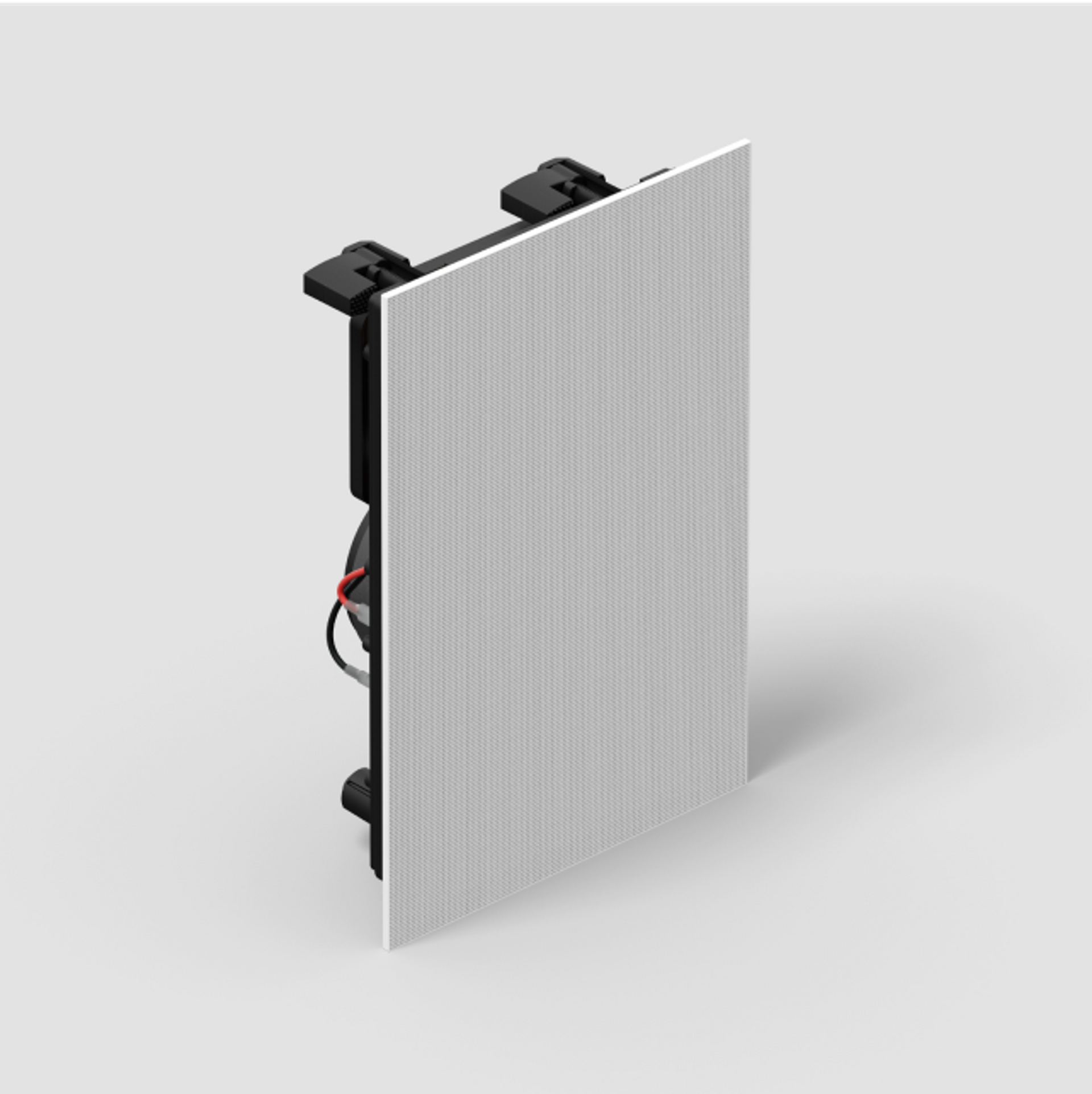
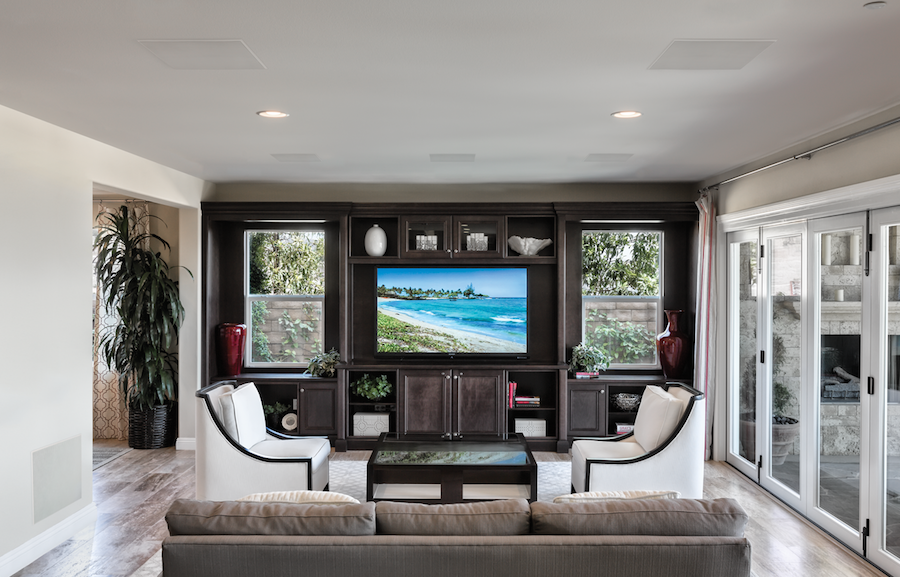
Think about where you may want audio not only today, but in the future. Architectural speakers can be installed flush in ceilings or walls to provide high-quality sound with a clean, built-in look. Even if you are not ready to install speakers right away, prewiring those locations during construction makes it much easier to add them later.
We commonly recommend prewiring for audio in areas such as:
- kitchens
- living rooms
- primary bathrooms
- backyards and outdoor entertainment areas
- home offices
- garages, basements, and bonus rooms
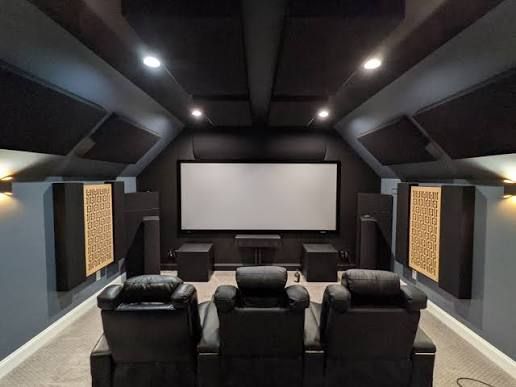
With streaming services now central to how many families watch TV and movies, more homeowners are also planning for dedicated media rooms or home theaters. Whether you are building a true theater or simply creating a high-performance family room, it is important to plan early.
Make sure to prewire your preferred television locations with power, CAT6, and, where appropriate, additional cabling for AV distribution. Ideally, all data cabling should be routed back to a central media location, such as a structured wiring panel, media closet, or equipment rack.
Common mistakes we see in new home builds
Some of the most common issues we run into include:
- running low-voltage cabling alongside high-voltage electrical wiring, which can create interference
- skipping prewire while the walls are open, then facing higher costs and fewer options later
- failing to plan a dedicated location for routers, network switches, AV gear, and control equipment
- waiting too long to involve a technology integrator in the design process
Working with a technology designer early — ideally as soon as architectural plans are available — helps ensure your home is designed to support the systems you want now and in the future.
Building a new home? Book a free design consultation and visit our experience showroom to see, hear, and experience the latest in home technology.
A few specific improvements I made there:
- changed “future proof” language to sound more credible
- cleaned up the CAT cable explanation
- made the bullets parallel and easier to scan
- removed wording that sounded awkward or overly salesy
- improved the transition into the CTA
Creating this infrastructure before the walls are closed is one of the smartest investments you can make.