DIY Tips for Optimizing Your Electronics Cabinet
September 24, 2024
DIY Tips for Optimizing Your Electronics Cabinet
If you're working with a setup similar to the cabinet pictured above, here are some DIY tips to enhance its functionality and efficiency.
1. Cable Management
Use rolls of Velcro to neatly organize cables. This makes it easy to adjust and rearrange cords as needed without causing damage.
2. Cooling Enhancements
Overheating can be a serious issue. Consider installing additional fans or upgrading the cooling system to maintain optimal temperatures.
3. Power Management
Ensure your equipment is protected against power issues by adding a UPS (Uninterruptible Power Supply). This will provide backup power and surge protection.
4. Smart Monitoring
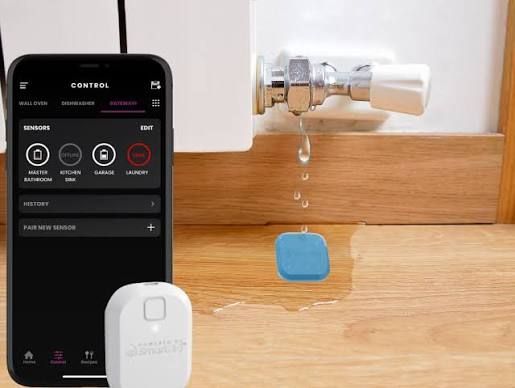
Install temperature and humidity sensors to monitor the internal environment. This can help prevent damage and maintain equipment health.
5. Security Upgrades
Protect your equipment by adding locks or a security system to limit access to sensitive devices.
These DIY modifications can significantly improve both the performance and security of your electronics cabinet or server rack.

Managing Cable Length for Optimal Functionality
Proper cable management is key to maintaining a tidy and efficient electronics cabinet. The image above illustrates a common scenario where cables might not be as organized as they could be. Here’s how to improve and avoid such situations:
Coil Excess Cable
- Organize Neatly: Use rolls of Velcro to coil and secure excess cables behind equipment or on shelves. This helps maintain a clean appearance.
Keep Extra Wire Length
- Future-Proofing: Having some extra length is beneficial for servicing and future upgrades, but ensure it's organized to prevent clutter.
Minimize Clutter
- Improved Access: Excess cable clutter, as seen in the image, can complicate access for maintenance. Reducing clutter streamlines upgrades and repairs.
Implementing these strategies can greatly enhance both the aesthetics and functionality of your electronics setup, avoiding pitfalls shown in the example and making maintenance easier over time.


Enhancing Home Aesthetics and Functionality with Smart Thermostats
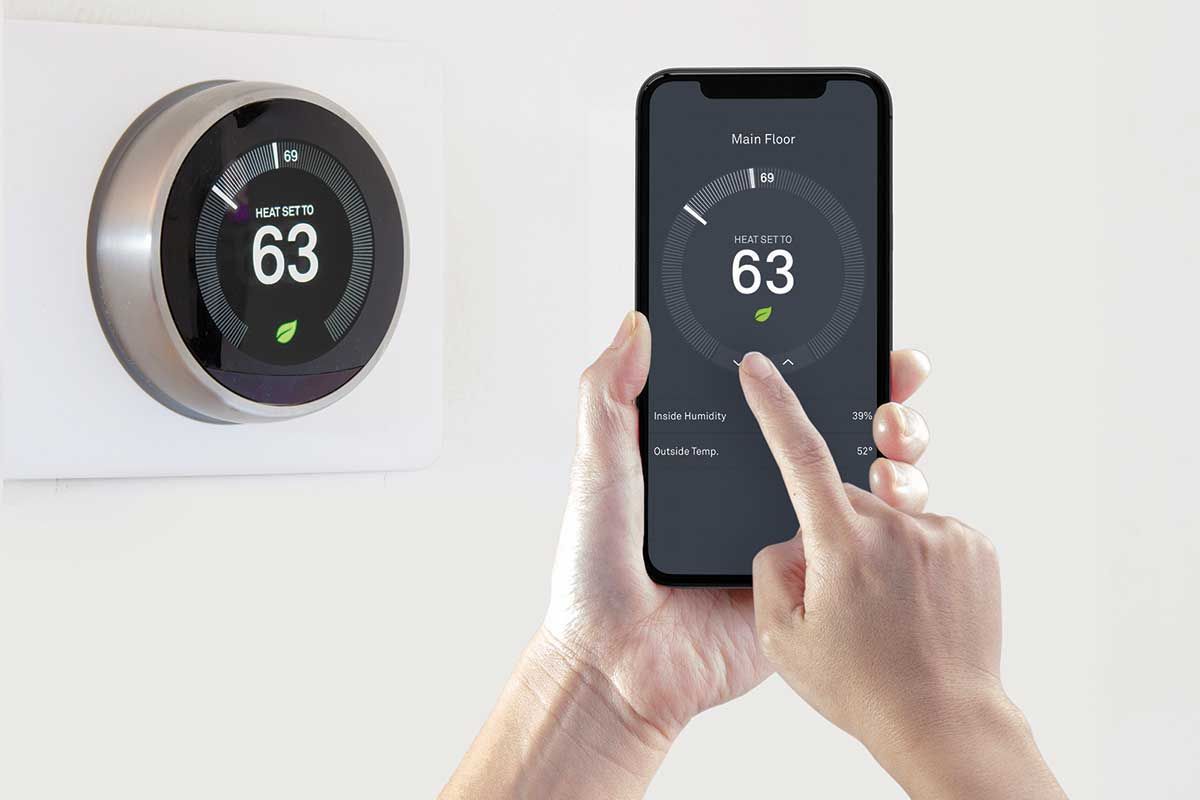
Smart thermostats offer both convenience and efficiency. The thermostats shown above can be a bit intrusive visually, but there are ways to improve both aesthetics and functionality:

Relocate Thermostats
- Move to Mechanical Room: Consider relocating the main units to a mechanical room for a cleaner look. This keeps them accessible for maintenance but out of sight.
Utilize Remote Sensors
- Improved Aesthetics and Function: Place small, unobtrusive sensors in living spaces. These sensors can accurately monitor and adjust temperature, providing efficient climate control without the need for wall-mounted thermostats.
Optimize Temperature Zones
- Customized Comfort: Use multiple sensors to create customized temperature zones in your home. This ensures each area maintains the ideal climate based on usage and preferences.
Smart Control Features
- App Integration: Continue utilizing smartphone apps to manage settings remotely, capitalize on energy-saving features, and receive maintenance alerts.
By relocating the main units and utilizing sensor technology, you can achieve a more aesthetically pleasing environment while enhancing the functionality of your home’s climate control system.
Reducing Wall Clutter with Smart Home Investments
When building or renovating a home, strategic decisions can enhance both aesthetics and functionality. In the image, a light switch panel and two thermostats create visual clutter. Here’s how a small investment can streamline your space:
Consolidate Controls
- Unified Systems: Opt for a smart home system that integrates lighting, heating, and cooling into a single control panel. This reduces the number of devices on the wall.
Remote Sensors and Relocation
- Discrete Placement: Use remote sensors for temperature control and relocate thermostats to a mechanical room, maintaining efficiency without visible devices.
Multi-Function Devices
- All-in-One Solutions: Consider multi-function devices that combine lighting, heating, and cooling controls, reducing the need for multiple switches and thermostats.
Professionally Designed and Programmed Systems
- Centralized Control: Invest in a professionally designed and programmed system to manage all home functions. This reduces wall clutter and provides seamless, intuitive control of your home environment
Making these small investments during the building or renovation phase can significantly improve your home’s appearance and functionality, creating a clean, modern aesthetic.